
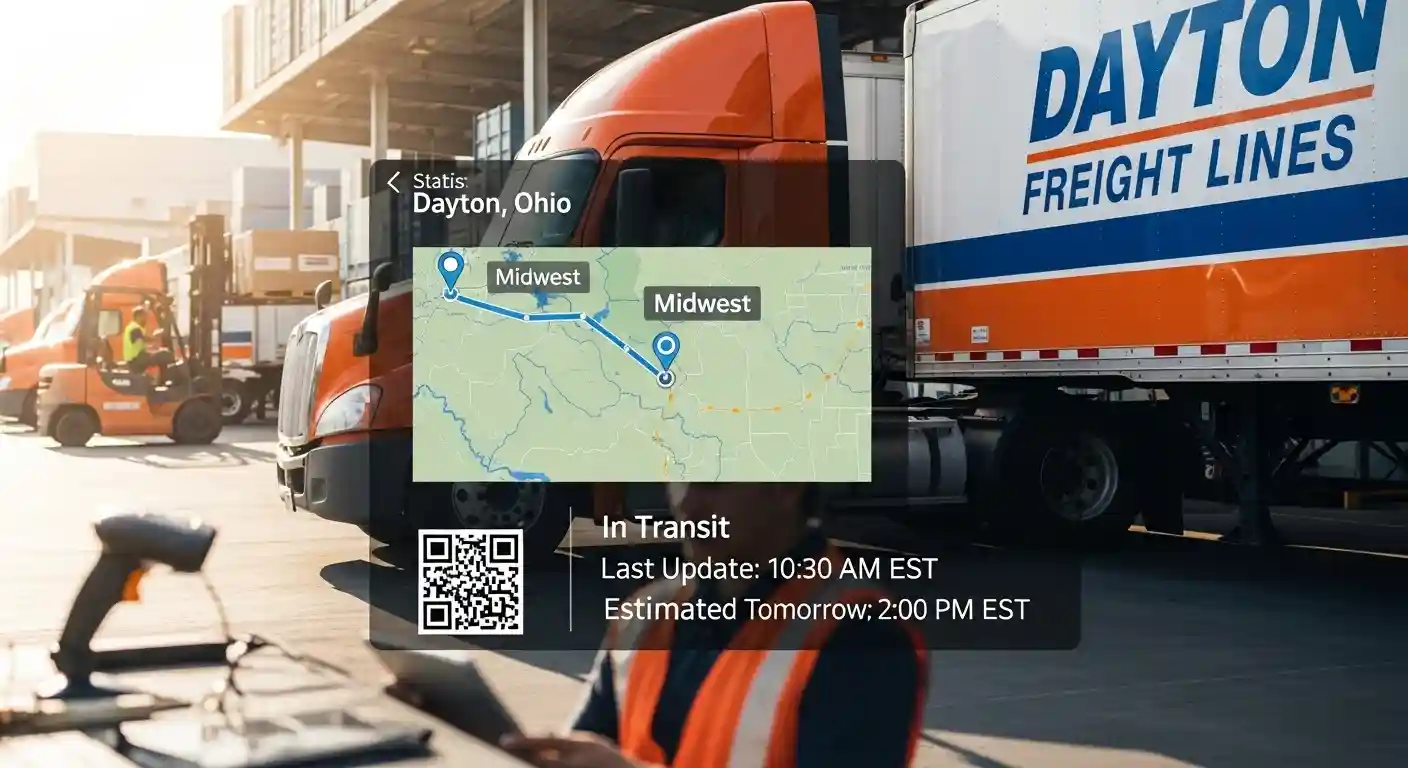

If you’ve ever shipped freight through the Midwest and needed to know exactly where your cargo is, Dayton Freight Line tracking is one of the most reliable tools you can use. Whether you’re a small business owner waiting on inventory or a logistics coordinator managing multiple shipments, knowing how to track your freight properly saves time, prevents headaches, and keeps your supply chain running smoothly.
This guide walks you through everything you need to know — from the basics of how the tracking system works to the mistakes most shippers make and how to avoid them.
What Is Dayton Freight Line?
Dayton Freight Line is a regional less-than-truckload (LTL) carrier operating across the Midwest United States. Founded in 1981 and headquartered in Vandalia, Ohio, the company has built a strong reputation for reliable regional delivery, on-time performance, and responsive customer service.
They serve over 10 Midwestern states with a dense network of service centers, making them a go-to carrier for businesses that need dependable LTL shipping within the region.
What Makes Them Different from National Carriers?
Unlike large national carriers that route shipments through multiple hubs, Dayton Freight operates on a direct-service model. This means your freight moves more directly from origin to destination, reducing handling and transit time. For businesses in states like Ohio, Indiana, Michigan, Illinois, and Wisconsin, this is a significant advantage.
How Dayton Freight Line Tracking Works
The tracking system is straightforward. Once a shipment is picked up and assigned a PRO number (progressive number), you can use that number to monitor your freight through every stage of transit.
Here’s how the process flows from start to finish:
- Pickup confirmation — The driver scans the freight at pickup, logging it into the system.
- Service center arrival — When freight reaches a Dayton Freight service center, it’s scanned again.
- In-transit updates — The system updates as the shipment moves between facilities.
- Out for delivery — You’ll see a status update when the driver loads your freight for final delivery.
- Delivered confirmation — Once signed for, the status updates to delivered with timestamp and signature details.
Where to Track Your Shipment
You have a few options:
- Dayton Freight website — Go to daytonfreight.com and enter your PRO number, BOL number, or PO number in the tracking portal.
- Phone — Call their customer service line and provide your PRO number to a representative.
- Third-party tracking platforms — Sites like FreightQuote or Freightos can pull Dayton Freight tracking data if your shipment was booked through them.
- Email notifications — You can request automated email alerts tied to your shipment status.
Succulents in Hawaii: What You Must Know First
Step-by-Step: Tracking a Dayton Freight Shipment Online
Let’s say you shipped pallets of retail merchandise from Columbus, Ohio to Chicago, Illinois. Here’s exactly how to track it:
Step 1: Visit daytonfreight.com and navigate to the “Track Shipment” section in the top menu.
Step 2: Enter your PRO number. This is found on your bill of lading or the confirmation email from your freight broker.
Step 3: Hit search. You’ll see a detailed status page showing current location, estimated delivery date, and any exception notes.
Step 4: If you see an exception (like a missed delivery attempt or address issue), call the local service center listed on the tracking page — not the general 800 number. You’ll get faster resolution.
That’s really all there is to it. The portal is clean and easy to navigate, even if you’re not a logistics professional.
Pros and Cons of Using Dayton Freight Line Tracking
Pros
- Real-time visibility — Updates are frequent and reflect actual scan events, not estimated guesses.
- Multiple lookup options — PRO, BOL, PO number, or reference number all work.
- Direct service model — Fewer handling points means fewer tracking gaps.
- Proof of delivery (POD) — You can download signed PODs directly from the tracking portal.
- Reliable on-time record — Dayton Freight consistently ranks high for on-time delivery among regional LTL carriers.
Cons
- Regional only — If your shipment goes outside the Midwest footprint, it’ll be handed off to a partner carrier, and tracking may become fragmented.
- No mobile app — As of now, there’s no dedicated Dayton Freight mobile app for real-time push notifications.
- Limited weekend visibility — Tracking updates may lag slightly over weekends when service center activity is reduced.
- System delays — During high-volume periods like Q4 holiday shipping, tracking scans can occasionally show delays of a few hours.
Common Mistakes Shippers Make with Freight Tracking
Even experienced shippers trip up on a few things. Here are the most common errors to watch out for:
1. Using the wrong tracking number format Dayton Freight PRO numbers have a specific format. If you’re copy-pasting from a document, make sure there are no extra spaces or dashes that could throw off the search.
2. Not setting up delivery notifications early Most shippers only check tracking when something goes wrong. Setting up proactive email notifications when the shipment is created means you catch exceptions before they become problems.
3. Contacting the wrong department Calling general customer service for urgent delivery issues wastes time. If your freight is out for delivery and there’s a problem, contact the destination service center directly using the number listed on the tracking page.
4. Ignoring exception notices An “exception” in freight tracking isn’t always a disaster, but ignoring it usually turns it into one. Address corrections, refused deliveries, and signature requirements all generate exceptions that need a human response.
5. Not verifying the delivery address before booking Many tracking issues trace back to an incorrect or incomplete delivery address entered at booking. Always double-check suite numbers, dock hours, and contact names before the shipment moves.
Best Practices for Getting the Most Out of Dayton Freight Tracking
If you ship regularly through Dayton Freight, these habits will save you significant time and stress:
- Save your PRO numbers in a centralized log — A simple spreadsheet or your TMS (transportation management system) should store every PRO number with shipment details and expected delivery date.
- Confirm pickup the same day — Check the tracking portal on the evening of your pickup date. If you don’t see a scan, call the origin service center. It’s much easier to resolve a missed pickup at 5 PM than the next morning.
- Download PODs immediately after delivery — Don’t wait for billing disputes to go looking for proof of delivery. Pull and file it as soon as the shipment shows delivered.
- Use reference numbers consistently — Dayton Freight allows you to associate your own PO or reference number with shipments. This makes it much easier to locate freight without hunting for the PRO number.
- Build a contact list of local service centers — If you ship to the same markets regularly, having the direct numbers for the Chicago, Detroit, or Indianapolis service centers on hand is genuinely useful.
Conclusion
Dayton Freight Line is a strong regional carrier with a tracking system that, when used correctly, gives you solid visibility into your LTL shipments. The key is knowing where to look, what numbers to use, and how to respond quickly when exceptions show up.
For Midwest-focused businesses, getting comfortable with the tracking portal and building a few simple habits around shipment monitoring can make a real difference in how smoothly your logistics operation runs. Freight surprises are rarely good — and most of them are preventable with just a bit of proactive tracking.
Frequently Asked Questions
Q1: What is a PRO number in Dayton Freight Line tracking?
A PRO number is a unique identifier assigned to your shipment at pickup. It’s the primary number used to track freight through the Dayton Freight system and is printed on your bill of lading.
Q2: How long does it take for tracking to update after pickup?
Typically, your first tracking scan appears within a few hours of pickup, once the driver returns to the service center and the freight is logged into the system.
Q3: Can I track a Dayton Freight shipment without a PRO number?
Yes. The Dayton Freight tracking portal also accepts a bill of lading number, purchase order number, or customer reference number as lookup options.
Q4: What should I do if my Dayton Freight tracking hasn’t updated in 24 hours?
Contact the origin or destination service center directly. A stalled tracking status usually means a scan was missed, not that your freight is lost. The local team can locate it quickly.
Q5: Does Dayton Freight provide proof of delivery online?
Yes. Once a shipment is marked as delivered, you can download a signed proof of delivery (POD) directly from the tracking results page on the Dayton Freight website.
